


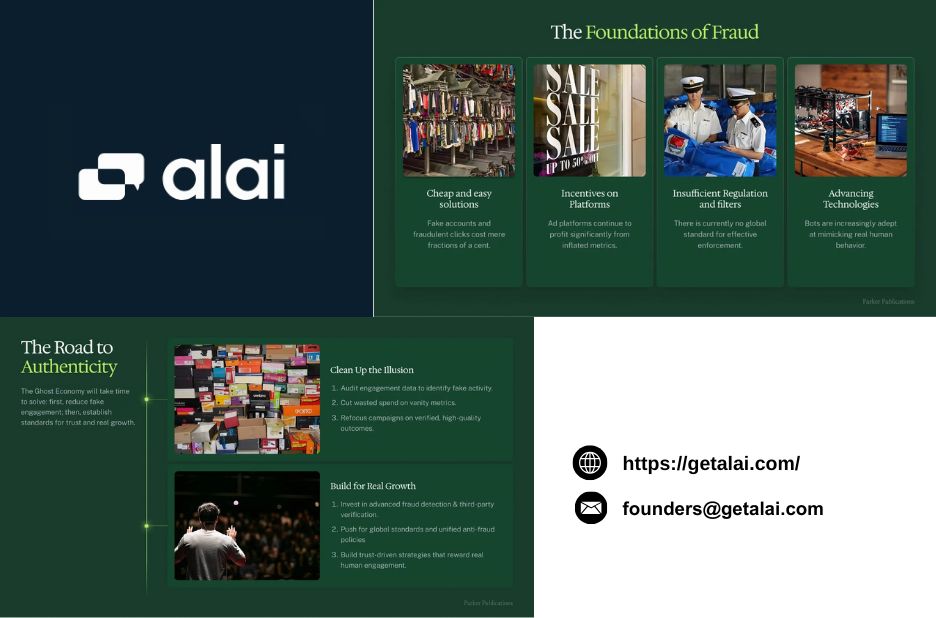
Overview of AI assisted design
Many professionals are looking for practical ways to streamline the creation of slide decks without sacrificing quality. By embracing ai for ppt presentation tools, you can accelerate the layout, imagery, and content structure, letting you focus on the message. The aim is to reduce ai for ppt presentation repetitive tasks while maintaining a polished, consistent visual language across your entire deck. Start by outlining your key points and then letting intelligent features arrange related visuals and text so your narrative stays clear and cohesive.
Choosing the right AI features
Modern ai for ppt presentation ecosystems offer a range of capabilities, from automatic slide generation and style suggestions to smart content summarisation and image selection. When evaluating options, consider how well the tool understands your topic, whether it supports create ppt presentation using ai free brand templates, and if it can adapt to your preferred tone. Free plans often provide core features that cover most typical presentations, making it feasible to test before committing to a paid plan.
Practical steps for quick wins
Begin with a concise outline and a handful of visuals that illustrate your core arguments. Use AI to draft speaker notes aligned with each slide, then review for accuracy and voice. If you need to jumpstart a project, try a template that matches your industry, and allow the AI to populate slides with concise bullet points and data visuals. This approach keeps your deck tight while you refine transitions and storytelling.
Best practices for alignment and branding
Consistency is crucial for credibility. Leverage AI to enforce brand colours, typography, and logo placement across all slides. Regularly audit generated content to ensure it remains accurate and on message. If your brand has specific data visuals, upload custom templates so the AI can reproduce your style. A well-branded deck signals professionalism and helps your audience trust the information presented.
Assessing quality and accessibility
Beyond aesthetics, evaluate clarity and accessibility. AI can optimise contrast, font size, and slide spacing to aid readability. Look for features that enable alt text for images and easy navigation for screen readers. Free tools can deliver substantial improvements, but always test your slides on multiple devices. A thoughtful review process ensures your message is accessible to a wider audience without compromising impact.
Conclusion
Leveraging ai for ppt presentation workflows can save time, enhance consistency, and improve audience engagement. Start with a clear outline, experiment with templates, and let AI handle routine formatting while you fine tune the narrative. By prioritising accessibility and branding, your final deck will feel polished and persuasive, ready for delivery without the typical heavy lift.
4 Comments
Pingback: 44botox
Pingback: https://sol-zerkalo.sport-pit-kazakhstan.kz/
Pingback: goth girl dating
Pingback: betsixty-com.nl