


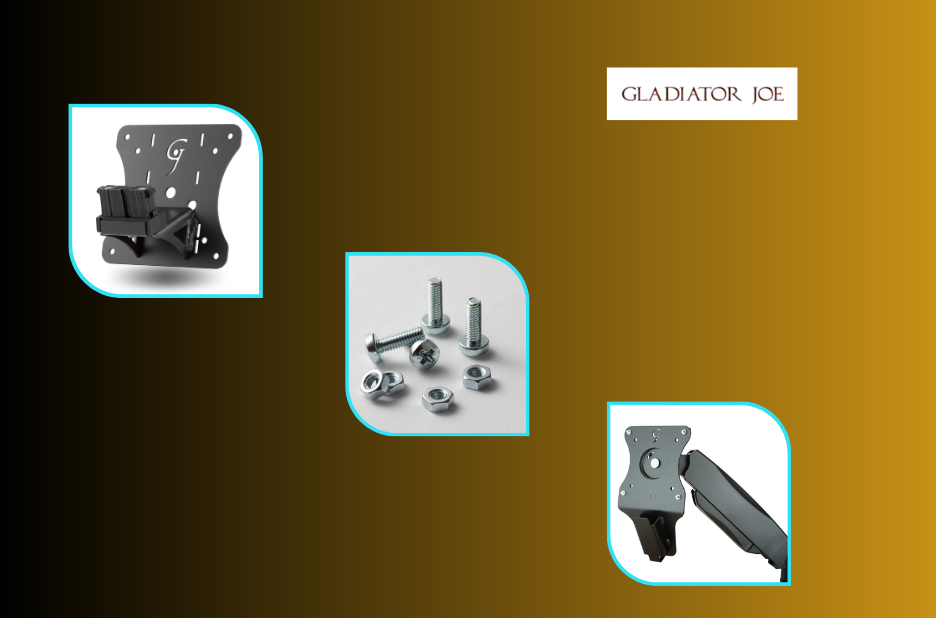
Overview of mounting options
When updating your desk space, it is essential to understand the available mounting solutions. Philips mounts vest adapters are designed to provide secure support for a range of monitors while keeping cables tidy and accessible. This type of accessory often complements existing stands by offering additional angles and philips mounts vest adapters positions for optimal viewing. By selecting compatible hardware, you ensure steady performance from your display and reduce the risk of wobble or misalignment during use. Careful pairing with your monitor model will maximise both ergonomics and efficiency in everyday tasks.
Compatibility and selection tips
Before purchasing, verify that your monitor and arm system align with the specific standards required by philips mounts vest adapters. Check weight thresholds, mounting patterns, and the supported VESA dimensions. If you are unsure about fit, consult the product documentation philips monitor vesa adapter or retailer guidance. Ensuring proper compatibility saves time and avoids unnecessary returns, letting you enjoy a smoother setup process. Remember that each setup benefits from precise alignment and secure fastenings for long‑term reliability.
Installation steps and best practices
Installers should take a step‑by‑step approach to attaching any philips monitor vesa adapter. Start by removing the existing mounting plate if required, then align the adapter with the VESA mounting holes, and secure with the supplied hardware. Verify even tension on all screws to prevent tilt. After mounting, adjust tilt, swivel, and rotation to match your eye level. A neat arrangement of cables behind the desk reduces clutter and helps maintain a clean work surface. Regular checks ensure continued stability over time.
Maintenance and safety reminders
Routine inspection keeps your setup safe. Look for signs of wear, loosened screws, or flex in arms and joints. When you notice movement or creaking, tighten fasteners and re‑balance weight distribution. Proper maintenance includes clearing dust and avoiding over‑extension of arms, which can stress connectors. In shared spaces, label cables and provide clear access routes to prevent accidental dislodgement. A thoughtful maintenance routine protects both equipment and the user’s posture during long sessions.
Conclusion
With the right configuration, philips mounts vest adapters can enhance both comfort and productivity by giving you flexible, secure monitor placement. Take time to confirm compatibility with your monitor and arm system, then follow the manufacturersitted steps for installation. Regular checks keep everything steady and safe, contributing to a calmer, more efficient workstation. Visit GLADIATOR JOE for more insights and similar tools.